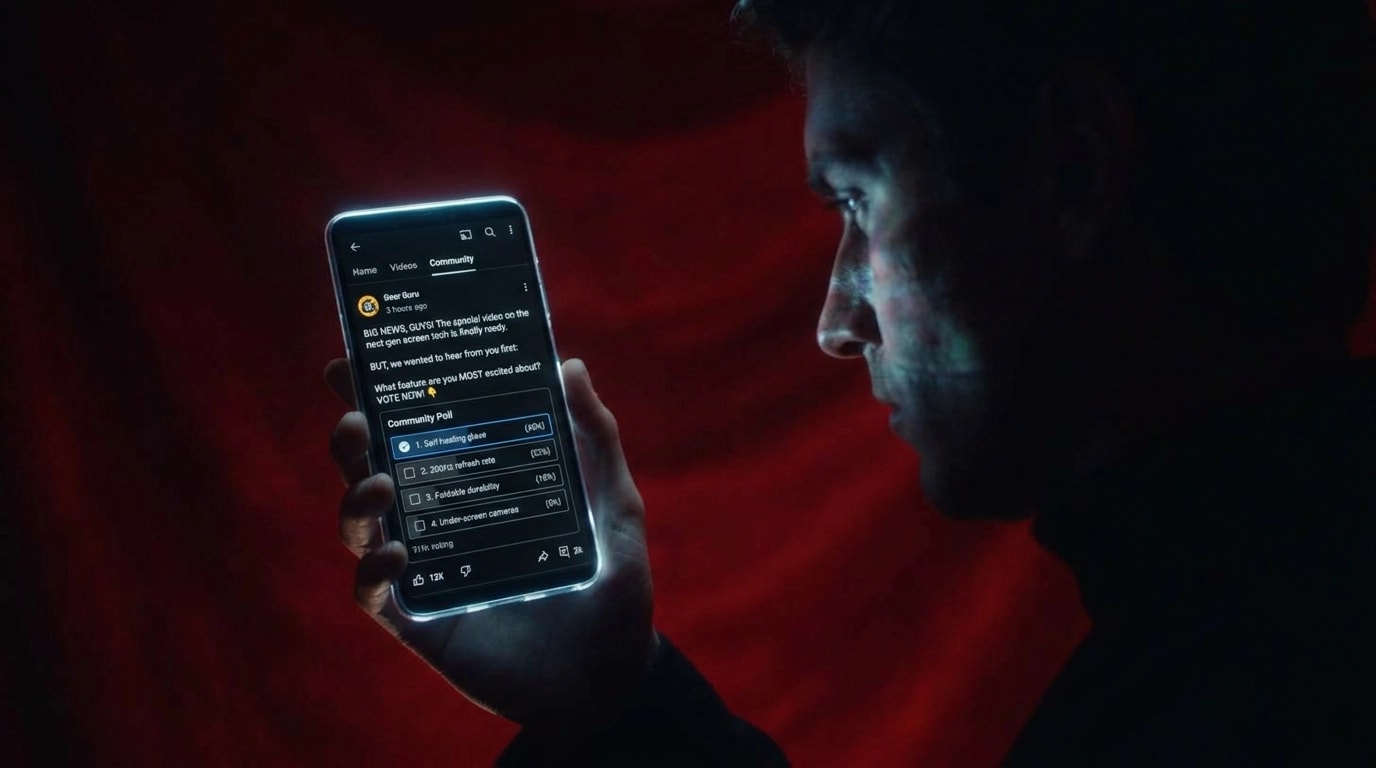

How do you track a YouTube Community post?
Track a YouTube Community post with its own UTM-tagged link, using a medium such as community_post. YouTube Studio shows likes, poll votes and clicks, but those numbers stay inside YouTube. The click becomes pipeline when your form stores the tags on the lead and the deal keeps them. Tools like Trakt build one tagged link per post.
Quick start: Start free with Trakt to create a tagged link for each Community post and record the form leads it brings in. Or follow the manual steps below.
Copy this shape. The domain and the names are an example.
https://example.com/demo?utm_source=youtube&utm_medium=community_post&utm_campaign=product-launch-2026&utm_content=2026-10-21-poll&utm_term=poll
utm_content has the date, or a slug, so two polls in the same launch stay apart. utm_term is the format: poll, image, text, or video. The rest of the parameter rules are in YouTube UTM parameters.
Build one link per post
| Field | Value | Why |
|---|---|---|
utm_source | youtube | Rolls the post up with the rest of the channel |
utm_medium | community_post | Keeps it off description links and ads |
utm_campaign | the launch, such as product-launch-2026 | Totals the launch across surfaces |
utm_content | date plus slug, such as 2026-10-21-poll | Names this post |
utm_term | poll, image, text, or video | Shows which format was clicked |
Lowercase the values. Leave spaces out. Hyphens match the UTM builder. If the account already uses underscores, stay with underscores.
A reused link feels efficient and makes the report useless. You can see that "community" sent leads. You cannot see whether it was the poll from Tuesday or the image from March. Change utm_content every time you post. Keep utm_campaign stable for the launch.
Description links use utm_medium=organic_video, not community_post. Mixing them hides the Posts tab inside ordinary video traffic. Placement for those links is in YouTube website traffic.
Put the link in the post
YouTube's create flow is in Create a Community post: open the post box on the channel, pick the type (text, image, poll, quiz, or video), and write the message. Paste the full tagged URL into that text. Paste the URL you want clicked, not a version you still plan to add parameters to.
The link has to be clickable. YouTube lists "add clickable links to posts" under advanced features on its feature eligibility page. Check YouTube Studio, then Settings, Channel, Feature eligibility. A URL that shows as plain text will not send anyone to your site, tagged or otherwise.
Learn about posts adds three limits. Posts are unavailable on a supervised account. A channel set as Made for Kids does not show posts to viewers. YouTube also says posts are not currently available in Germany. If the Posts tab is missing, fix eligibility before you debug UTMs.
Before you rely on the post:
- Publish it, or open it as a viewer in a private window.
- Click the link.
- Confirm the landing page still shows
utm_source=youtubeandutm_medium=community_post. - If the parameters vanished, a shortener or a redirect removed them. Paste the full URL instead.
Poll votes and likes never become leads. Only the people who click and then submit a form can show up in the CRM. A popular poll with no link is a Studio metric. It is not a pipeline source.
If you want one tagged link per Community post built in one place instead of a spreadsheet, pre-register for Trakt.
Channel links are a different surface
The banner and the About link belong to the channel, not to a post. Tag them utm_medium=organic_video and utm_term=banner or about. Using community_post on the banner makes "looked up the channel" look like "clicked Tuesday's poll."
Ads shown later to people who watch the channel are not Community traffic either. Those use utm_medium=retargeting_video, covered in YouTube retargeting ads.
Connect the click to a closed deal
The YouTube app often opens your site with no referrer. GA4 can file that visit as Direct even when Studio counted a click on the post. The UTM is the part that survives, and only if the site keeps it.
- On the landing page, read the five parameters.
- Write them to a first-party cookie on that browser. Ninety days fits many B2B cycles.
- Hidden fields on the form submit the cookie with the lead.
- Map the fields in the CRM and keep the original values. A later search can be another touch. It should leave
community_postin place. - On a closed deal, filter to
utm_medium=community_postand group byutm_content.
Run that path once with a test email before you judge the Posts tab. Private window, click, two more pages, submit, then open the lead. Empty fields mean the cookie or the form is broken.
The cookie stays on the browser that clicked. It does not follow someone to a second device. Why leads show up as Direct covers the other leaks. Studio's own counts, separate from revenue, are in how to check YouTube analytics.
Example, not a customer result. Made-up leads and revenue.
| Post (example) | utm_content | Leads (example) | Closed revenue (example) |
|---|---|---|---|
| Tuesday poll | 2026-10-21-poll | 3 | $12,000 |
| Product image | 2026-10-18-image | 9 | $1,500 |
In the example, the image won the click report and the poll is on more revenue. A reused link would have shown 12 leads and hidden that split.
Trakt's tracking snippet writes source, medium, campaign, content, and term onto the form at submit, and stores them in a first-party cookie on that browser for 90 days. The form scanner picks up forms already on the site. Won deal value in Trakt's pipeline is credited to the source on the submission. The CRM still needs those fields mapped if sales works there. Pre-register for Trakt, or see how forms carry a source.
This post is one piece of the YouTube attribution playbook.
Questions about YouTube Community post tracking
How do I track clicks from a YouTube Community post?
Give the post its own URL with utm_source=youtube, utm_medium=community_post, utm_campaign set to the launch, utm_content set to a dated slug, and utm_term set to the format. Paste that full URL into the post. Click it and confirm the parameters are still on the landing page, then store them on the form.
Why do Community post clicks show up as Direct?
The YouTube app often opens your site without a referrer, so GA4 files the session as Direct. Studio can still count the click. The lead shows the post when the URL was tagged and the site saved those parameters onto the form.
Do poll votes count as leads?
Poll votes, likes, and comments stay in YouTube Studio. They are not form fills. A lead is someone who clicked the tagged link and submitted a form. A post with no link can be popular in Studio and absent from the CRM.
Can I use one tracking link for every Community post?
You can, and then every post shares one row. Change utm_content for each post, and include a date or a slug. Keep utm_campaign on the launch so you can still total the launch. Use utm_term for the format: poll, image, text, or video.
What if the link in my post is not clickable?
Clickable links in posts require advanced features. Check YouTube Studio, Settings, Channel, Feature eligibility. Posts are also unavailable on supervised accounts and on channels set as Made for Kids, and YouTube says posts are not currently available in Germany. Fix that before changing the UTM.