The short version
Meta Pixel tracking measures Facebook and Instagram ad performance: clicks, conversions, and cost per result. But for B2B companies with long sales cycles, the Pixel can't see what happens after someone fills out a form—whether they became a qualified opportunity, moved through the pipeline, or closed as a customer. Without connecting Meta Pixel tracking to your CRM, you're optimising campaigns based on form fills instead of revenue. This article shows you how to bridge Meta Pixel data to closed deals so you can finally prove Facebook ad ROI.
What Meta Pixel tracking actually measures
The Meta Pixel is a JavaScript code snippet you install on your website that tracks visitor behaviour and reports it back to Meta. It measures page views, form submissions, purchases, and custom events, then uses that data to optimize your Facebook and Instagram ad campaigns.
For ecommerce, this works perfectly. Someone clicks your ad, lands on your site, buys something, and the Pixel records the purchase. Meta optimizes your campaigns for more purchases. Done.
For B2B, it breaks. Someone clicks your ad, lands on your site, fills out a form, and the Pixel records a "Lead" conversion. But that's where Meta's visibility ends. The Pixel has no idea if that lead became a qualified opportunity, stalled in the pipeline, or closed as a $50,000 customer six months later.
Your CRM knows all of that, but the Meta Pixel can't see CRM data. So Meta optimizes your campaigns for more form fills, not more revenue. You get leads that never close, and you can't prove which Facebook campaigns actually drive business.
The three-layer solution for Meta Pixel tracking to CRM revenue
Connecting Meta Pixel tracking to closed deals requires three systems working together:
Layer 1: Install the Meta Pixel and configure standard events
The Meta Pixel needs to be on every page of your site with standard event tracking configured:
- ViewContent — Someone views a key page (pricing, product, case study)
- Lead — Someone submits a lead form
- Purchase — For ecommerce; not typically used in B2B lead gen
These events let Meta optimize campaigns for leads, but they don't connect leads to revenue.
Layer 2: Add UTM parameters to all Facebook ad links
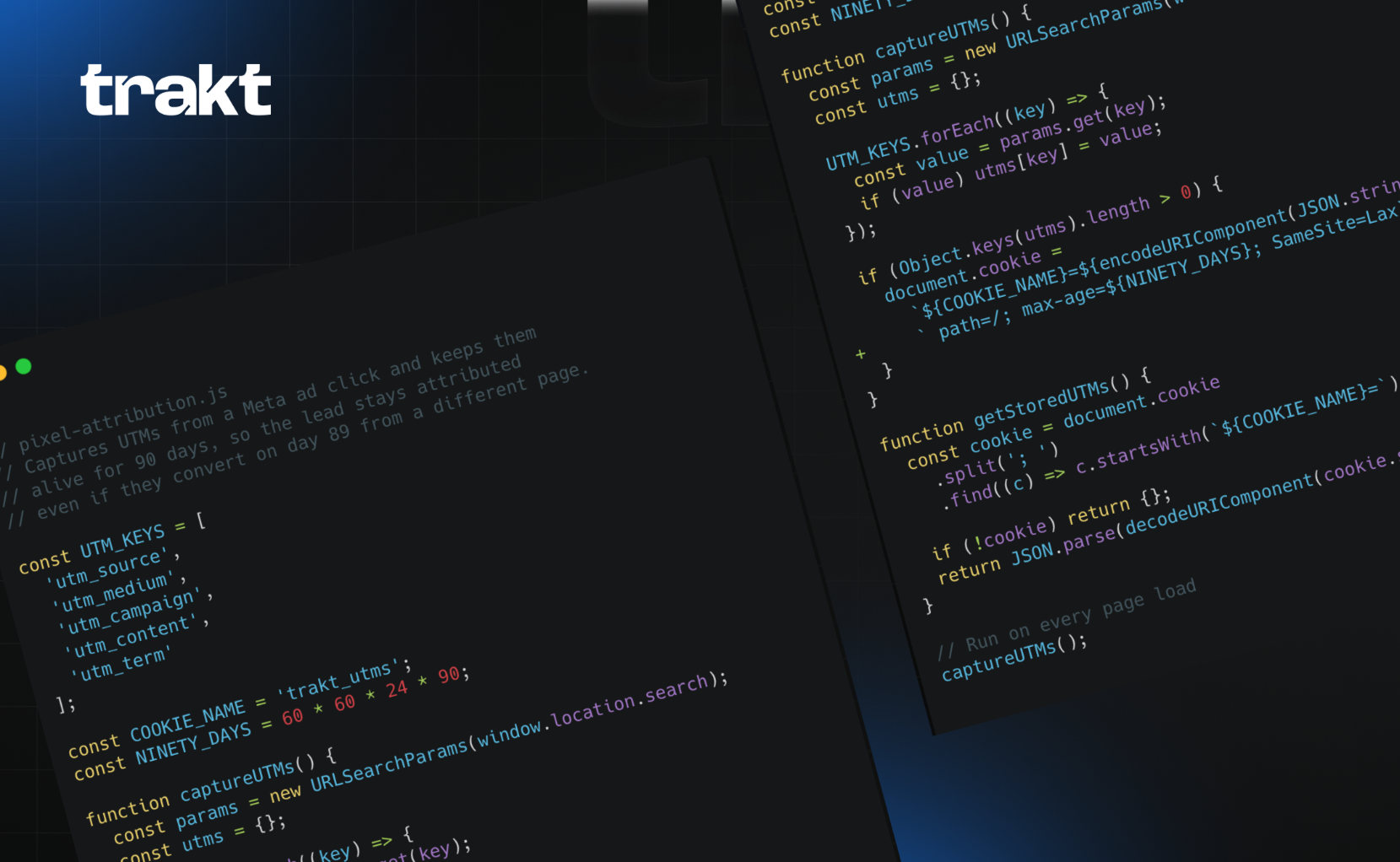
Meta Pixel tracking operates inside Meta's system. Your CRM needs its own source data. That's what UTM parameters provide.
Every Facebook ad link needs UTM parameters that identify the campaign:
https://example.com/offer
  ?utm_source=facebook
  &utm_medium=paid_social
  &utm_campaign=q4_lead_gen
  &utm_content=case_study_ad
When someone converts, hidden form fields capture these UTM parameters and send them to your CRM. Now your CRM knows which Facebook campaign produced each lead, even though the Meta Pixel also tracked the conversion.
Layer 3: Send closed deal data back to Meta via offline conversions
Once deals close in your CRM, you can send that data back to Meta using offline conversion tracking. This tells Meta which leads became customers, so it can optimize campaigns for revenue instead of just form fills.
Two ways to do this:
- Offline Conversion API — Automatically send closed deal data from your CRM to Meta
- Manual CSV upload — Export closed deals from your CRM and upload to Meta Ads Manager
Either way, Meta receives "this lead from campaign X closed as a customer worth $Y" and uses that signal to optimize future campaigns.
Why most B2B companies skip offline conversion tracking (and shouldn't)
Most B2B companies install the Meta Pixel, track Lead conversions, and stop there. They never send closed deal data back to Meta. Why? Because setting up offline conversion tracking requires:
- Matching CRM lead records to Meta click IDs
- Building export workflows or API integrations
- Maintaining the connection as your CRM and campaigns change
That's too much work for teams without dedicated marketing ops resources, so they skip it. The result: Meta optimizes for cheap leads instead of high-value customers. You get volume, not revenue.
The fix is either to invest in offline conversion setup (if you have engineering resources) or to use platforms that handle the connection automatically (HubSpot Marketing Hub with native Meta integration, or attribution platforms like Trakt that bridge CRM data to campaigns).
Meta Pixel tracking vs UTM parameters: why you need both
Meta Pixel tracking operates inside Meta's system. It optimizes your campaigns by telling Meta which ads drive conversions. You need this for campaign performance.
UTM parameters operate inside your CRM. They tell your CRM which campaigns produced each lead. You need this to prove ROI.
Use both:
- Meta Pixel optimizes your ads
- UTM parameters prove which ads drive revenue
They're complementary, not alternatives.
How to set up Meta Pixel tracking that connects to CRM revenue
Here's the complete setup:
Step 1: Install the Meta Pixel
Add the Meta Pixel code to your website header. If you use Google Tag Manager, add it as a custom HTML tag that fires on all pages.
Step 2: Configure standard events
Set up the Lead event to fire when someone submits your form. Most form builders (Webflow, Typeform, Unbounce) have native Meta Pixel integration, or you can trigger it with JavaScript:
fbq('track', 'Lead');
Step 3: Add UTM parameters to all Facebook ad links
Use the pattern:
?utm_source=facebook&utm_medium=paid_social&utm_campaign={campaign_name}&utm_content={ad_name}
You can use Facebook's dynamic parameters to auto-populate values:
?utm_source=facebook&utm_medium=paid_social&utm_campaign={{campaign.name}}&utm_content={{ad.name}}
Step 4: Configure hidden form fields
Add hidden fields to your forms that capture UTM parameters from the URL:
utm_sourceutm_mediumutm_campaignutm_content
When someone submits the form, these values flow to your CRM along with their contact information.
Step 5: Map source data to CRM opportunities
Configure your CRM to copy the UTM fields from contact records to opportunity records when deals are created. This ensures closed deals carry the original Facebook campaign source.
Step 6: (Optional) Set up offline conversion tracking
If you have engineering resources, configure the Offline Conversion API to send closed deal data back to Meta. If not, manually export closed deals quarterly and upload to Meta via CSV to give your campaigns revenue signals.
Where to start
The easiest place to start is with one campaign and one landing page. Install the Meta Pixel, add UTM parameters to your ad links, configure hidden form fields, and track a few leads through to see whether the source data reaches your CRM.
Once you've proven the attribution path works, expand to all your Facebook campaigns, then add offline conversion tracking if you have the resources.
For B2B teams that need Meta Pixel tracking connected to CRM revenue without engineering work, Trakt's form attribution automatically captures UTM parameters and sends them to your CRM via form field mapping.
Frequently Asked Questions
What is Meta Pixel tracking?
Meta Pixel tracking is a JavaScript code you install on your website that measures Facebook and Instagram ad performance. It tracks page views, form submissions, purchases, and custom events, then reports them back to Meta so you can optimize campaigns. For B2B, the limitation is that the Pixel can't see what happens after someone enters your CRM—whether they became a customer or not.
Do I need both Meta Pixel and UTM parameters?
Yes. Meta Pixel tracks conversions for campaign optimization inside Facebook Ads Manager. UTM parameters ensure your CRM knows which Facebook campaign produced each lead. The Pixel optimizes your ads. UTM parameters prove ROI in your CRM. Use both—they're complementary.
How do I connect Meta Pixel tracking to closed deals?
Three steps: install the Meta Pixel and set up Lead events. Add UTM parameters to all Facebook ad links and configure hidden form fields that capture those parameters in your CRM. Optionally, use offline conversion tracking to send closed deal data back to Meta so it can optimize for revenue instead of just form fills.
Why doesn't my CRM show Facebook as the source even though the Pixel fired?
Because the Meta Pixel tracks the conversion in Facebook's system, but it doesn't automatically send source data to your CRM. Your CRM needs UTM parameters captured via hidden form fields, or a direct integration that maps Facebook click IDs to CRM lead records. Without that, your CRM shows "Website" or "Direct" even though Facebook drove the lead.